 Bonfire
In closed beta at IIT Roorkee and JECRC Foundation
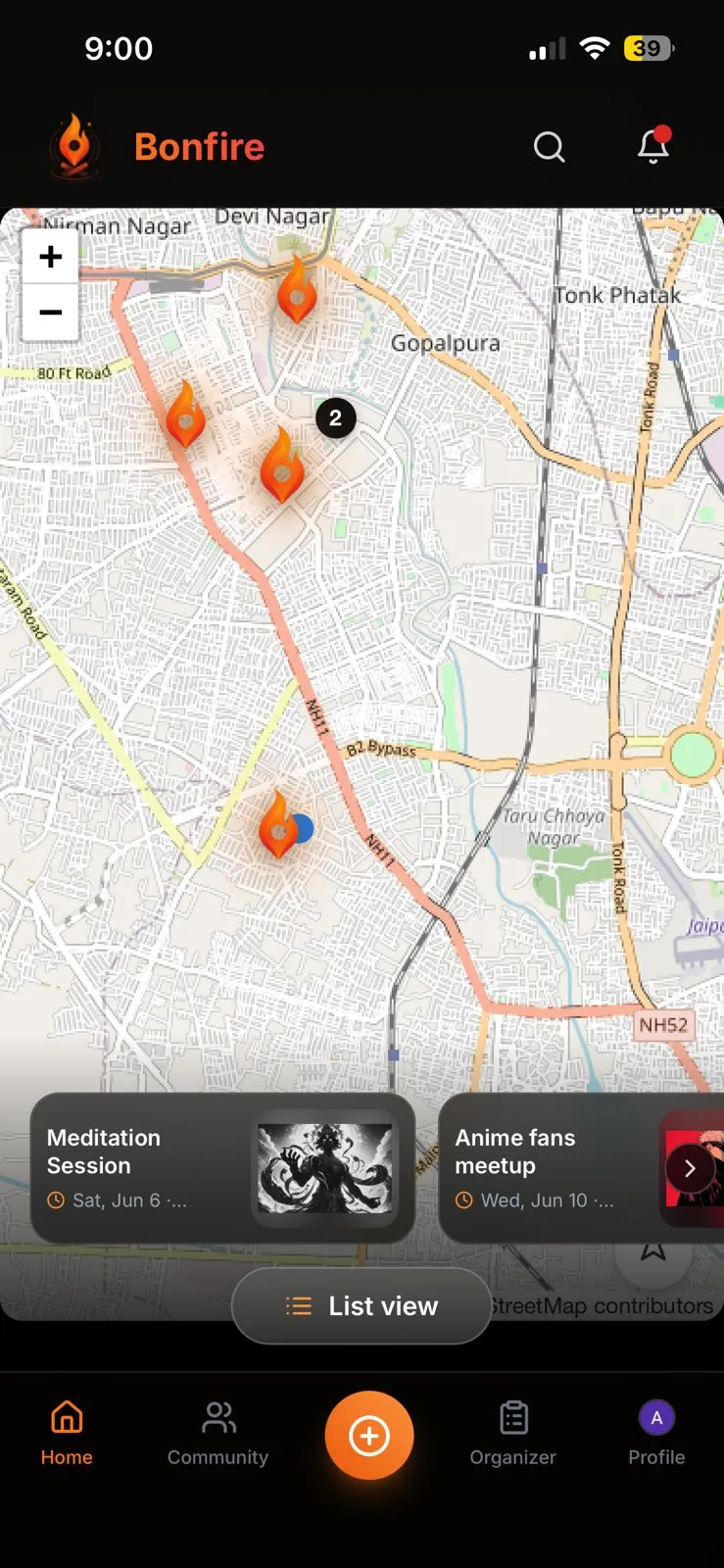
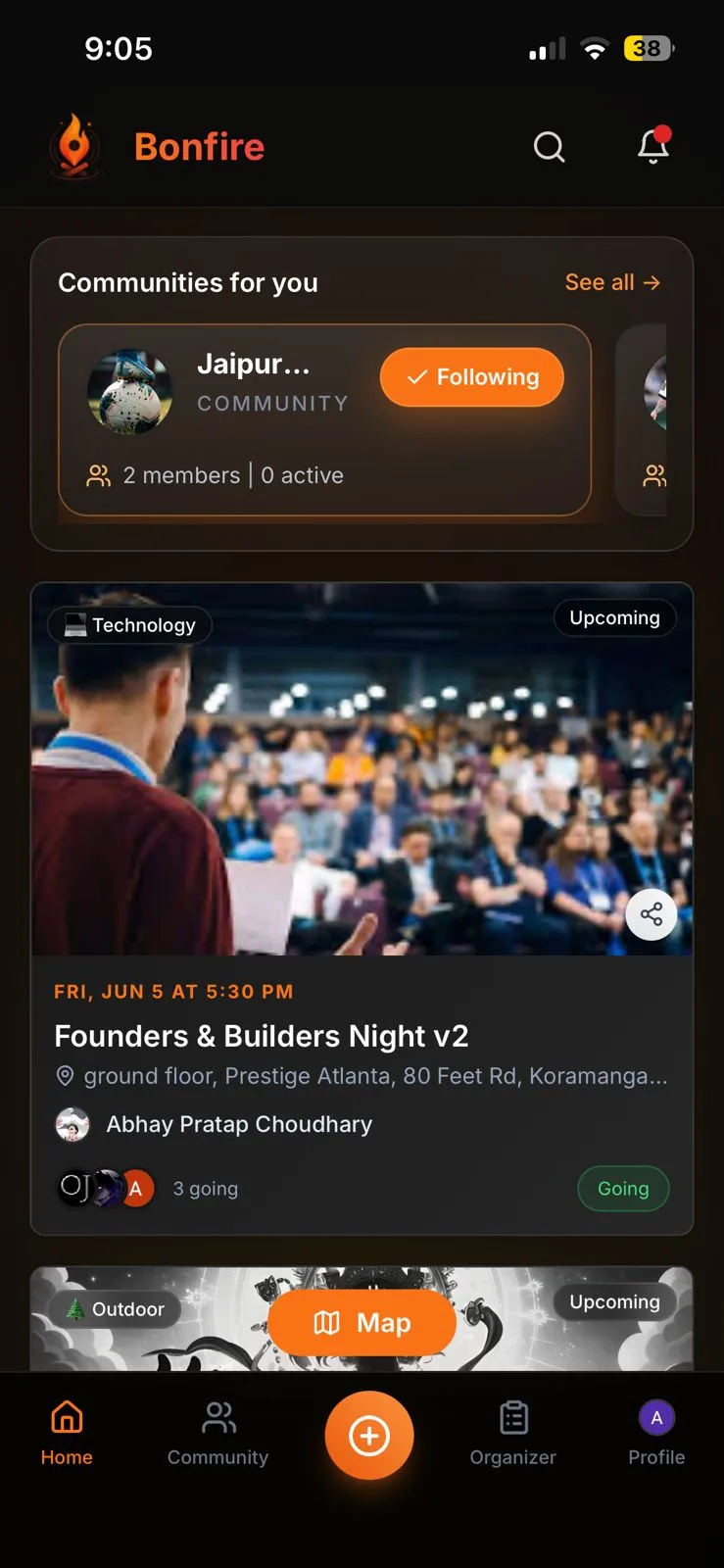
A calm place to discover, join and host meaningful events near you, without the clutter, noise or pressure of a feed.
200+ users and 9K+ page views in beta
Discover what’s happening
See what’s on near you as a list, or switch to the map. Communities you follow come first.
Join with intent
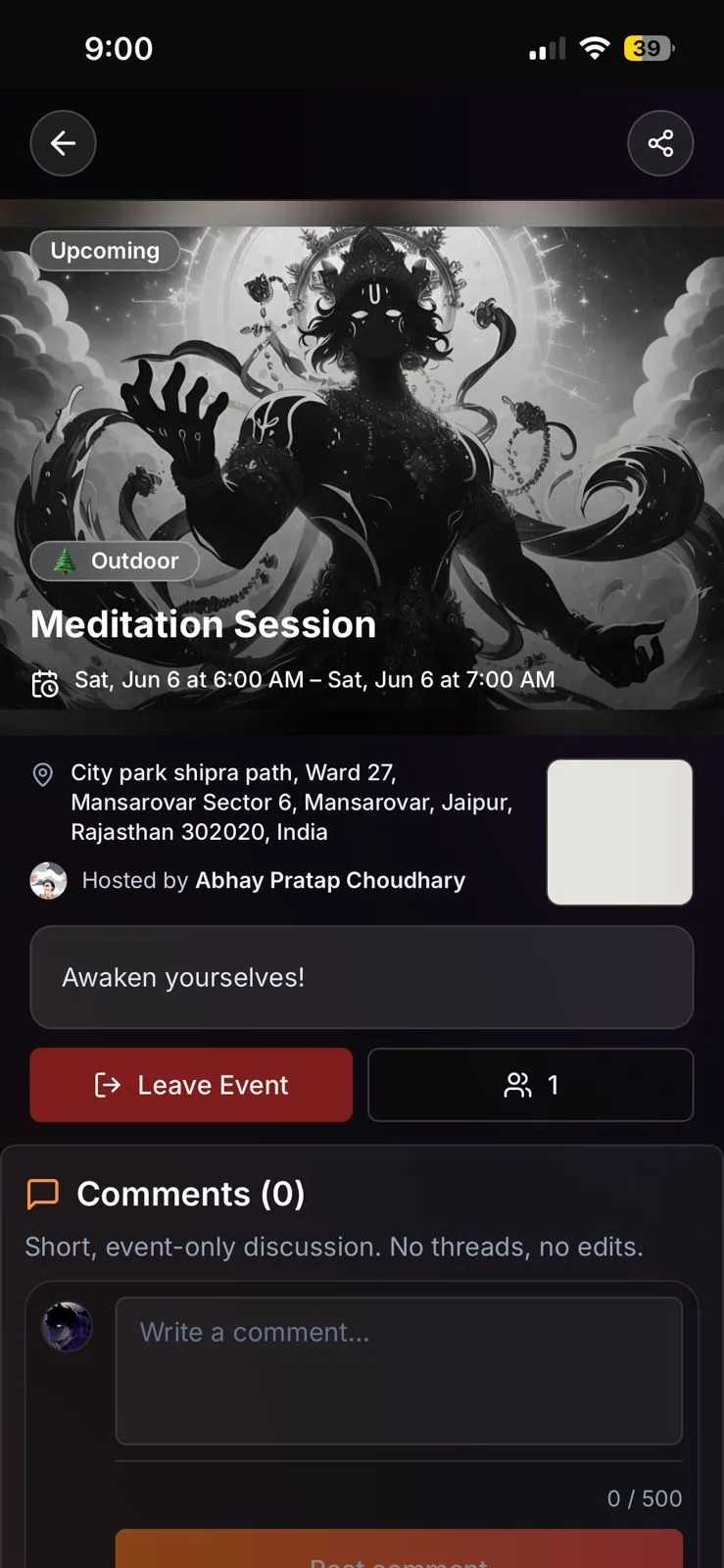
Every event shows where, when and who’s hosting. Join in one tap, or ask for a spot at private events.
Host when you’re ready
Describe your event in a sentence and the form fills itself. Review the draft, then publish.
- Clarity
- Events are shown plainly, with no feed built to keep you scrolling. What you see is what matters.
- Access
- Public, private or invite‑only. Every gathering grows with purpose, not by going viral.
- Ownership
- Your community gets a home that feels like yours, not rented space inside someone else’s platform.
Give your community a home. Plan events, decide who comes, and keep people coming back.
Get started- A page for your community
- Upcoming and past events, a calendar, and links to your group chat and socials.
- Followers become members
- Following a community makes someone a member. Admins and moderators share the running of it.
- Events from your members
- Let members suggest events. Moderators review them before they go live.
- You decide who comes
- Make an event public, private, approval‑only, or open to invite links.
- Waitlists that fill themselves
- When someone drops out, the next person on the waitlist gets their spot.
- Smooth at the door
- Check people in with a QR code and export the attendee list.
- Online and hybrid events
- Sign in with Google and Bonfire can create the Meet link for you.
- Start from a sentence
- Describe your event in plain words and get a draft to review and publish.
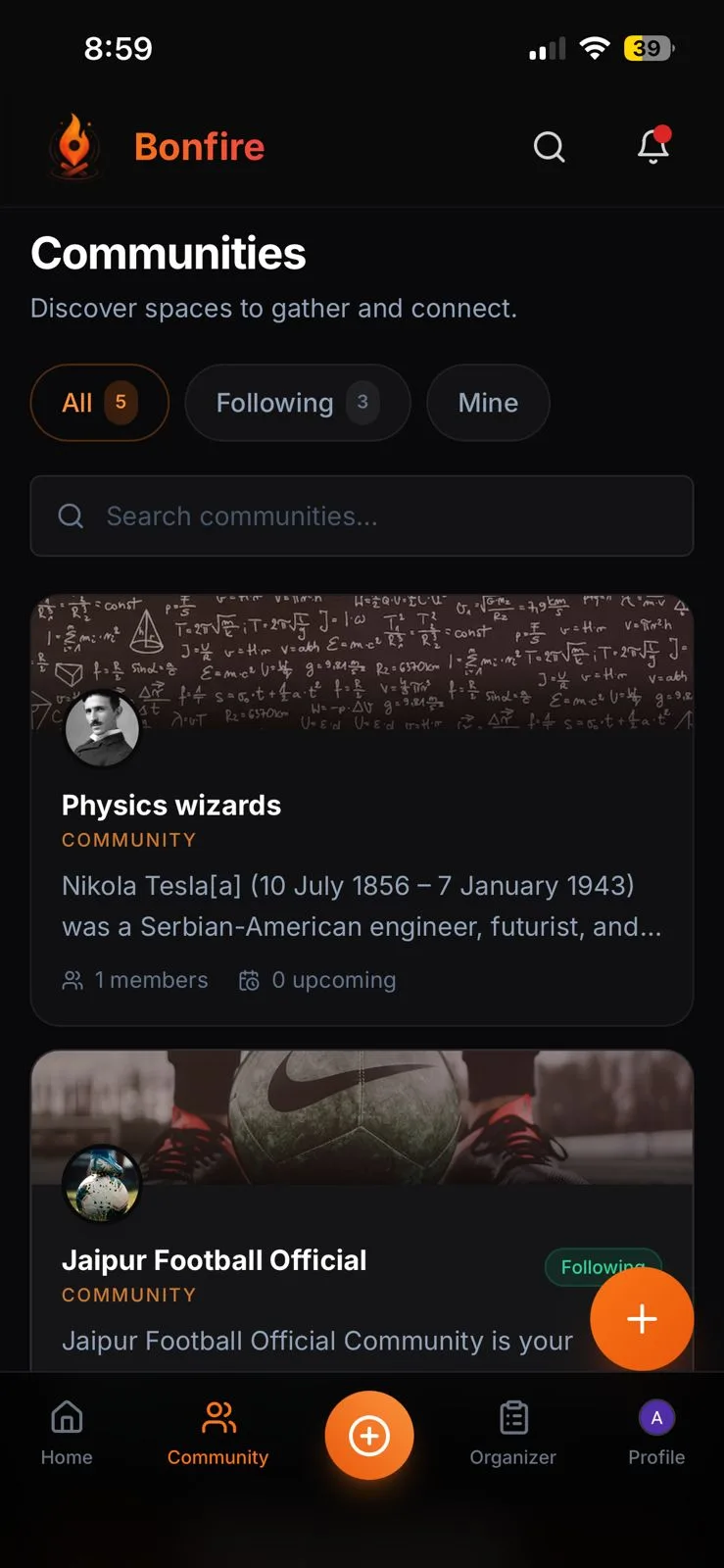
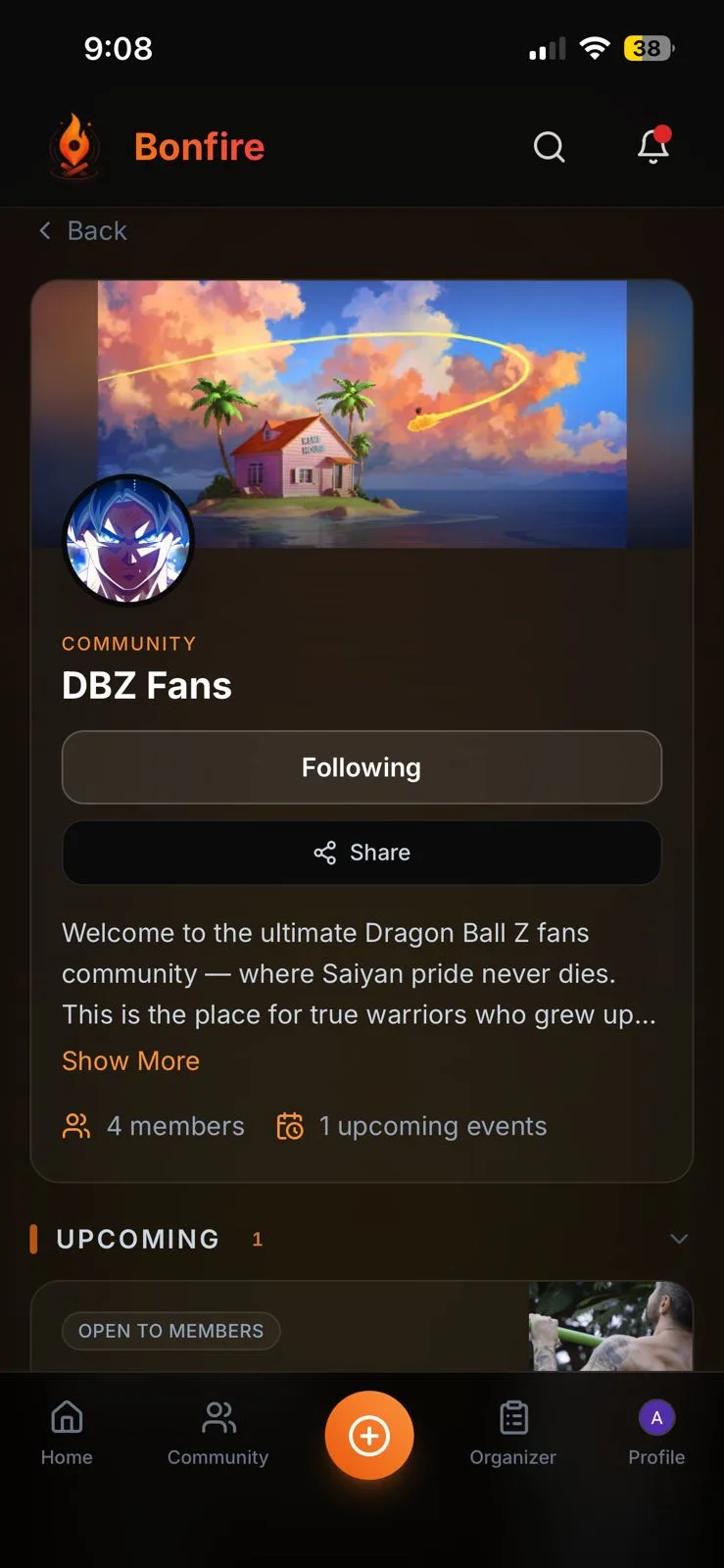
Install Bonfire
It runs in your browser and installs like an app. Add it to your home screen and it opens full screen. No app store needed.
To install, open bonfire.ink on your phone and add it to your home screen.
Price
Free
Works on
iPhone, Android and desktop browsers
Sign in
With your Google account